
Funny Tesla Voice Commands and Easter Eggs to Try
Key Takeaways
Playful prompts and hidden screen effects can be fun to explore, but availability may differ from one car or software version to another. Treat novelty commands as experiments, and try them only while safely parked.
Use voice control for simple requests without taking your attention from the road.
Treat funny prompts as possibilities, not guaranteed commands.
Browse Toybox and current software menus for available surprises.
Check model and software compatibility before expecting a feature to appear.
Keep pranks considerate and save games or visual effects for when the car is stationary.
How to use Tesla voice commands without distraction
Voice control is most useful when it replaces a distracting screen search with a straightforward spoken request. A command that works in one vehicle may not be recognized in another, so start with ordinary tasks and learn what your specific software responds to. The ideas below focus on keeping novelty secondary to safe, simple use.
Start voice control with the steering-wheel button
Use the steering-wheel voice button to begin, then wait for the prompt before speaking. Button behavior and controls can vary, so check the vehicle’s current interface if the usual method does not work. A voice-command guide can help you find examples of everyday requests, but treat the car’s own response as the best indication of what is available in your configuration.
Try natural phrasing for simple in-car requests
Short, plain language is a sensible place to begin: say what you want rather than memorizing a long phrase. If the first wording is not understood, try a simpler version while parked or when the request is safe to make without looking away. A guide to natural voice commands offers another way to review common wording and troubleshooting ideas.
Voice control and text-to-speech are different things: one is an in-car interaction, while Audioread audio service converts articles and other text into spoken audio. Keeping that distinction clear helps set realistic expectations about what a spoken request can do. Avoid experimenting with unfamiliar commands when traffic needs your full attention.
Test novelty prompts while parked
Funny requests are best treated as a small experiment, not a dependable control method. Try them only after parking, listen to the response, and avoid repeatedly tapping through menus while driving. A dedicated Tesla voice command reference may help you separate regular controls from novelty ideas, though any particular response can depend on the car’s software.
Expect commands to vary by model and software version
A command may be recognized on one vehicle and ignored on another. A current voice-command guide can offer useful examples, but model, software, and regional differences still matter. If a prompt does not work, that does not necessarily mean you said it incorrectly; the feature may not be available in that configuration.
Funny Tesla voice commands to try
The prompts below have circulated as playful ideas, but they should not be treated as guaranteed functions. Some may do nothing, produce an unexpected reply, or depend on the vehicle’s current software. Think of them as parked-car experiments, not commands to rely on while driving.
Ask Tesla to “open the pod bay doors”
This line nods to science-fiction dialogue, which is part of why it remains a popular novelty prompt. You can try saying it while parked, but do not assume the car will respond with a specific joke or action. The fun is in seeing whether the software recognizes the phrase at all.
Say “open the butthole” to try opening the charge port
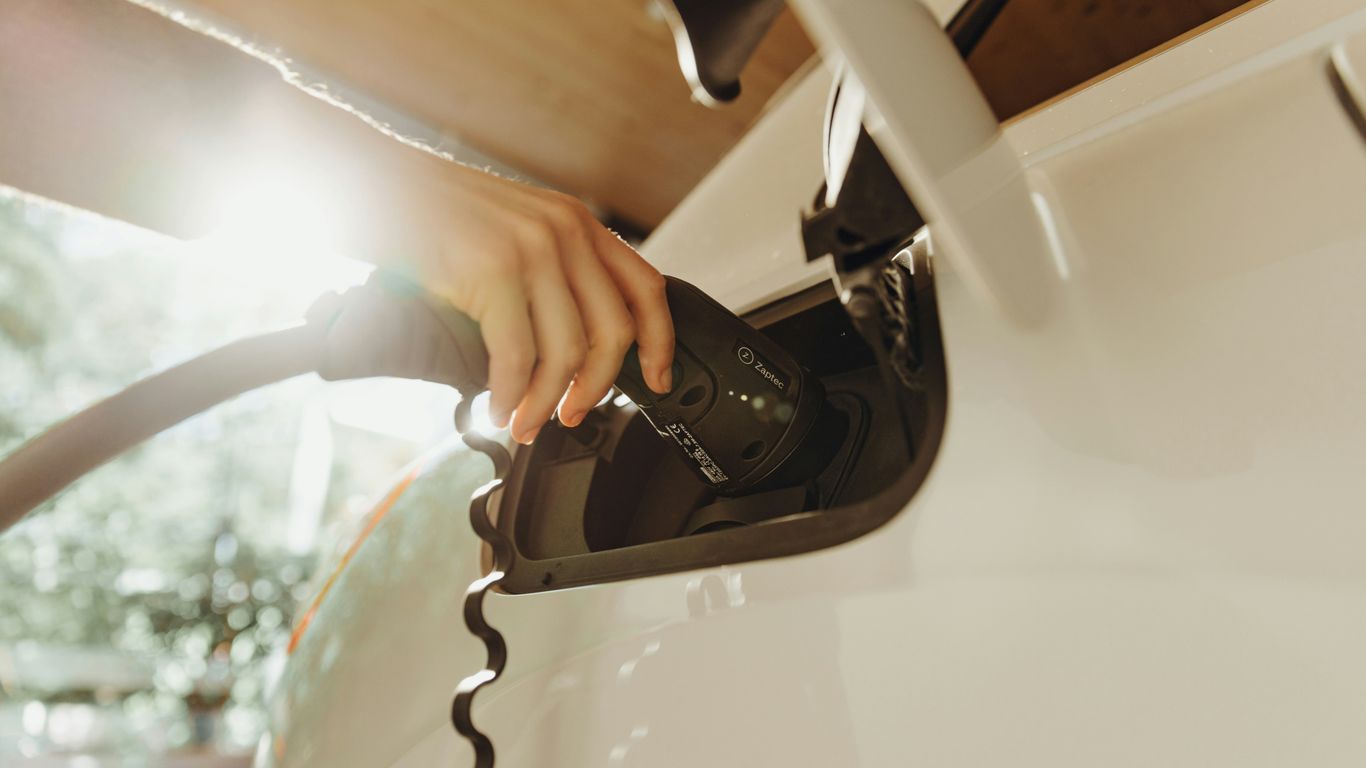
Some owners have shared this phrase as an informal way to ask for the charge port to open. Treat it as an anecdotal prompt rather than a supported command; if it does not work, use the controls shown in your vehicle instead. The hidden-features guide covers a broader range of less-obvious features, but the available controls can still differ by car.
Try “my butt is cold” to request seat heat
This phrase is another reported joke-style request associated with asking for warmth. Recognition is not assured, so use the touchscreen or another familiar control if you actually need the seat heater. A playful phrase is no substitute for checking that the setting changed.
Treat unexpected responses as software-dependent experiments
A handful of popular prompts are easier to understand when their intended meaning is set beside the uncertainty. The examples below describe what people are trying to request—not a promise that a car will carry it out.
Prompt | Intended idea | What to keep in mind |
|---|---|---|
“Open the pod bay doors” | A science-fiction joke | It may simply be unrecognized |
“Open the butthole” | Ask to open the charge port | Use the normal control if needed |
“My butt is cold” | Ask for seat heat | Confirm the setting changed |
“Ho Ho Ho” | Try a holiday-themed prompt | Responses may vary by software |
Treat the table as a set of ideas to test while parked, not a list of dependable controls. For general context on how hidden features and product identity can become part of a vehicle’s appeal, see this Ferrari EV discussion; it is a separate topic, not evidence that any particular prompt works.
Classic Tesla Easter eggs in Toybox
Toybox is a natural place to look for entertainment-oriented surprises, though menu contents and access can change. Owners may come across playful visuals, seasonal touches, or references to familiar pop culture. A Tesla Easter egg roundup offers examples to compare with what appears in your own software menus.
Find Rainbow Road for a playful driving display
Rainbow Road is often mentioned as a colorful driving-visualization surprise. Its access method may vary, so look for it in the available menus rather than assuming a particular shortcut is present. Keep your attention on the road and explore the display only when conditions allow.
Turn on Romance Mode’s virtual fireplace
Romance Mode is commonly described as a cabin-themed feature with a virtual fireplace. If it appears in your Toybox, it is best enjoyed while parked, when you can take in the screen without driving demands. Menu availability may differ, so a missing option is not necessarily a problem with your vehicle.
Explore Santa Mode’s holiday-themed visuals and sounds
Santa Mode is a seasonal-style surprise that may pair festive visuals with sounds. The exact presentation and availability can change over time, so treat it as a feature to look for rather than one to expect year-round. A broader Easter egg list discusses other reported pop-culture and holiday surprises, but your current menus are the practical check.
Look for the Mars map and other hidden screen surprises
A Mars-themed map is another frequently discussed screen surprise. Hidden features often work like small digital discoveries; for a different kind of exploration, the Propeller Lab is one of several browser-based tools and simulations. Neither example guarantees that a particular screen effect will appear in every vehicle, so check the software you have.
Fart mode and other playful cabin pranks
A prank is only funny when everyone in the car is comfortable with it. Sound effects and custom touches can be amusing in the right moment, but passengers may not share the joke. Keep novelty features low-key, and be ready to turn them off rather than making the cabin less pleasant for someone else.
Trigger Emissions Testing Mode from the Toybox
Emissions Testing Mode is a familiar name for a fart-sound feature associated with Toybox. The available controls and behavior may depend on the current software, so check the menu rather than assuming every vehicle has identical options. Give passengers a heads-up before using a sound effect as a surprise.
Choose where the whoopee-cushion sound seems to come from
Some versions of the feature may offer choices for where the sound seems to originate. If those controls are present, take a moment to understand them while parked. A joke that feels harmless to the driver can be startling to a passenger, especially if they do not know the sound is coming from the car.
Try a custom lock sound if your Tesla supports it
A custom lock sound is another option that may be available through particular setups. Its availability and setup can vary, so consult the current vehicle guidance before adding or changing one. Keep the sound appropriate for the setting, especially in a quiet parking area.
Use Joe Mode to keep cabin alerts more considerate
Joe Mode is a quieter-alert option documented in the hidden-features material. It can be useful when you want alerts to be less intrusive for people in the cabin. For any sound effect or alert setting, a few simple habits help keep the joke considerate:
Try the effect only while parked.
Let passengers know before a loud or surprising sound.
Turn it off if anyone is uncomfortable.
Avoid using sounds to distract other drivers or pedestrians.
A little consideration usually makes a prank more enjoyable, not less. Joe Mode is a practical reminder that cabin sound settings can matter to passengers as well as the person driving.
Light shows and pop culture surprises
Some of the most memorable surprises are visual, musical, or tied to familiar references. Their availability can change, and not every car will show the same options. Keep the car stationary whenever you explore entertainment features, and check the current software menus before expecting a particular effect.
Run a built-in Light Show while parked
A built-in Light Show, when available, is meant to be enjoyed while the vehicle is stationary. Follow the on-screen directions and choose a safe place with enough room around the car. Do not run a show where lights or sounds could confuse nearby road users.
Explore Ludicrous- and Plaid-themed Easter eggs
Ludicrous- and Plaid-themed references are among the kinds of software surprises owners may look for. The details can vary by model and software, so consider them possible menu discoveries rather than fixed features. Discussions of pop-culture references and product identity—such as this Snoooz.ai tools page about AI-powered customer communication—are separate subjects; they do not confirm what a vehicle can do.
Check for seasonal effects and software-update surprises
Seasonal effects may appear or change after software updates. It is worth checking release notes and the menus in your own car instead of relying on an old screenshot or a prompt that worked for someone else. This is a little like reviewing Shopify performance advice when a website changes: the specific context differs, but current information is more useful than assumptions based on an earlier version.
Keep the car stationary during games and visual effects
Games and visual effects are for a parked vehicle, not a moving one. Before exploring, confirm that the car is safely stopped and that the display will not draw attention away from driving. A simple rule keeps the fun where it belongs: park first, explore second.
Check compatibility and avoid common surprises
An Easter egg can disappear from view because of a menu change, a software update, or a difference between vehicles. Checking first helps avoid wasted time and reduces the temptation to troubleshoot while driving. Use the current screen and owner information as your guide, and treat online anecdotes as starting points rather than guarantees.
Look for Easter eggs in the current software menus
Start with the menus available in your vehicle and look for Toybox or related entertainment options. A hidden-features overview can provide ideas to investigate, but features described elsewhere may not match your current software. If you want to make a wider ownership project of it, you can compare model-specific gear separately from exploring software surprises.
Distinguish voice commands from touchscreen-only features
Not every feature that appears in a menu can be activated by voice. A prompt described online may be a touchscreen shortcut, a voice command, or simply a reported experiment. Check a voice-command resource for examples, then verify the control in your vehicle rather than assuming the same phrase works everywhere.
Check model, hardware, and regional limitations
Availability can depend on model, hardware, software, and region. Look for the feature in your own menus and check vehicle-specific guidance before expecting a particular shortcut or effect. Even a well-circulated tip can become outdated after an update, so confirm what is currently supported on your car.
Keep pranks safe, legal, and considerate of passengers
A novelty feature should never interfere with driving or create a disturbance in a public place. Save experiments for when the car is parked, respect passengers who do not want to participate, and follow local rules for lights and sounds. That leaves room for a laugh without turning a harmless surprise into a distraction.
Conclusion
Funny prompts and Toybox surprises can add a light moment to an ordinary drive, but they are best approached with curiosity rather than certainty. Check current menus, expect differences across vehicles and software, and save anything visual or noisy for when you are safely parked. For practical upgrades organized by vehicle and category, explore Accessories for Tesla’s model-specific accessory selection and confirm fit for your car before choosing.
Frequently Asked Questions
Do funny voice prompts work in every car?
No. Recognition can vary with software and vehicle configuration, and some prompts may not trigger any action. Treat them as experiments rather than guaranteed commands.
Is it safe to try novelty prompts while driving?
It is better to try unfamiliar prompts while parked. When driving, keep your attention on the road and use only familiar requests when it is safe to do so.
Where should I look for hidden screen surprises?
Start with the current entertainment or Toybox menus in your vehicle. Menu names and available features can change over time.
Can an Easter egg disappear after a software update?
Features and menus may change as software changes. Check the current vehicle interface and recent guidance instead of relying only on older instructions.
Are voice commands and touchscreen features the same thing?
No. A feature may be accessible through a screen menu without being available as a spoken command. Verify the control method in your vehicle.
Should I try cabin sound effects on passengers?
Only if the people riding with you are comfortable with it. A quick warning and an easy way to turn the effect off can keep a joke from becoming annoying.
Do all vehicles have the same Easter eggs?
Not necessarily. Model, hardware, software version, and region can affect what appears, so check your own vehicle rather than expecting every reported feature to be present.



Comments