
Unlock Your Tesla: Discover These Amazing Hidden Features
So, you've got a Tesla. That's pretty cool. But did you know there's more to it than just driving? Your car is packed with stuff you might not even know about. We're talking about some really neat tesla hidden features that can make your driving experience even better, or just more fun. Let's get into some of the things you might be missing out on.
Key Takeaways
Explore fun entertainment options like games and special features in the "Toybox".
Understand different driving modes such as "Chill Mode" and "Ludicrous Mode" for varied performance.
Personalize your car's settings, from climate control to charging schedules.
Connect your phone and use the Tesla app for remote control and other handy functions.
Make use of safety and convenience features like Sentry Mode, "Dog Mode", and "Camp Mode".
Explore Tesla's Secret Entertainment Features
Your Tesla is more than just a car; it's a mobile entertainment hub. Forget boring commutes. Tesla packs a surprising amount of fun into its vehicles, often hidden just beneath the surface.
Access Hidden Games and Easter Eggs
Did you know your Tesla has games built right in? From classic arcade titles to unique Tesla-themed challenges, there's a lot to discover. Many of these are tucked away in the "Easter Eggs" menu. To find them, tap the Tesla logo on the car's main screen, then tap and hold it. A menu will pop up with various hidden features, including games like "Beach Buggy Racing 2" and the "Red Planet" driving game. It's a great way to pass the time while charging or waiting for someone. Some of these are only available when the car is parked, for obvious safety reasons. It's a fun way to show off your car's capabilities to friends. You can find more details on these hidden features in articles about Tesla's hidden features.
Utilize the "Toybox" for Fun Functions
The "Toybox" is Tesla's dedicated section for all things fun and quirky. It's where you'll find things like the "Emissions Testing Mode" (yes, it's exactly what it sounds like), the "Boombox" feature that lets you play custom sounds outside your car, and even a "Romance Mode" that displays a fireplace on the screen and turns on the heat. It's a collection of features designed purely for amusement and conversation starters. The Boombox is particularly interesting, allowing you to use the external speaker to play sounds when parked or even while driving, though local regulations might apply.
Stream Music and Videos Seamlessly
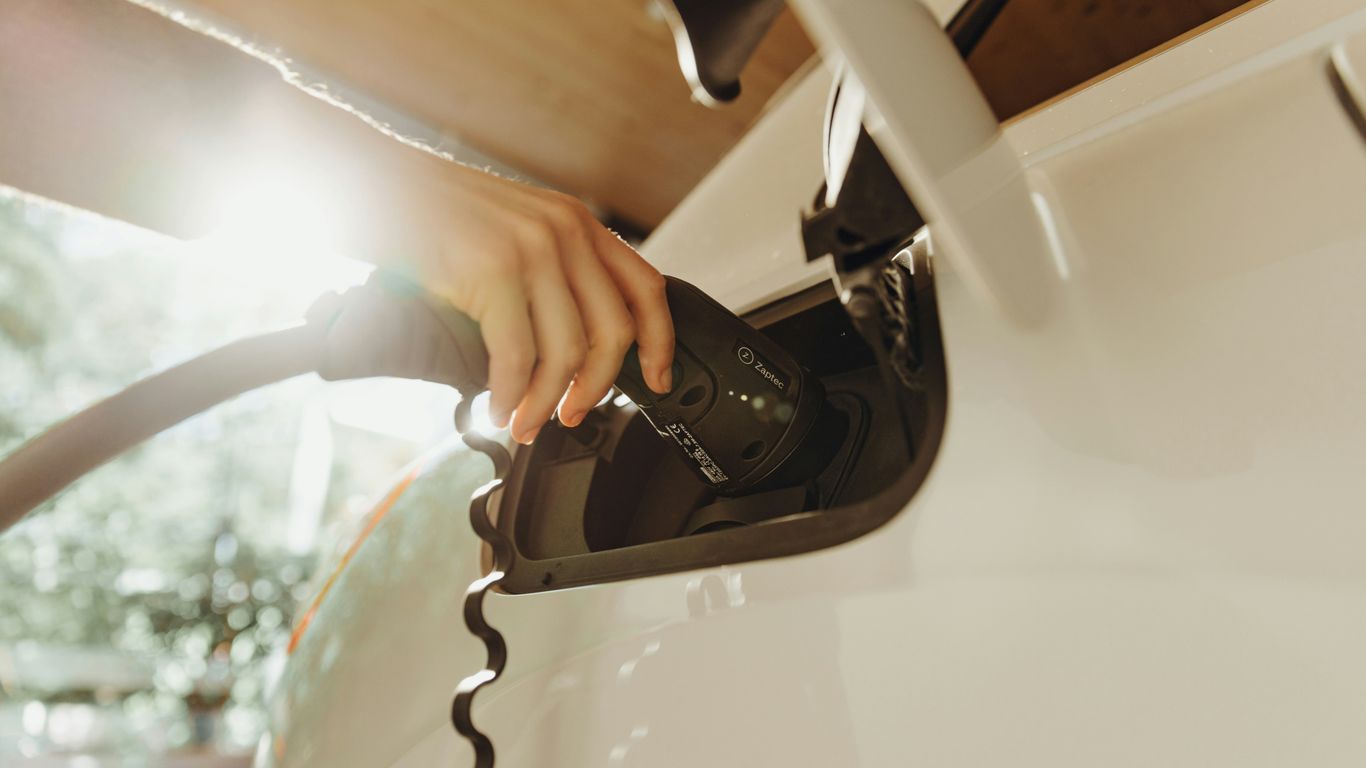
Your Tesla's large touchscreen is perfect for entertainment. You can stream music from services like Spotify and Apple Music directly through the car's interface. For video, when parked, you can access Netflix, YouTube, and Hulu. It makes waiting for charging sessions much more enjoyable. The system integrates well, so you don't need separate devices. Just log in with your accounts and start watching or listening. It's a really nice perk for long road trips or even just waiting in the car. For those looking to manage their charging cables, there are specific Tesla accessories that can help keep things organized.
These entertainment features turn your Tesla into more than just a car; it becomes a personal entertainment center on wheels.
Discover Even More Hidden Features
Want to see these hidden Tesla features in action? Check out this video titled “40 Hidden Tesla Features You’ll Actually Care About” — it walks through dozens of overlooked but genuinely useful tricks and tips. From clever Easter eggs to time-saving shortcuts, this visual guide will help you unlock even more from your Tesla.
Master Your Tesla with Advanced Driving Modes
Teslas offer a few different ways to adjust how they drive, beyond just pressing the accelerator. It's not just about going fast, though that's definitely an option. You can actually change the car's feel quite a bit.
Engage "Chill Mode" for Smoother Acceleration
If you're new to electric cars or just prefer a more relaxed drive, Chill Mode is your friend. It dials back the acceleration, making the car feel less jumpy. This is great for passengers who might get car sick or if you just want a calmer commute. It's a simple setting you can toggle on or off in the car's menu. It makes a noticeable difference in how the car responds to your input. You can find out more about Chill Mode on Tesla's site.
Unlock "Ludicrous Mode" for Maximum Performance
Now, for those who want to feel that instant electric torque, there's Ludicrous Mode. This setting is available on Performance models and really wakes the car up. When you put your foot down, it's a serious push back into your seat. It's not something you'd use all the time, but for a quick burst of speed or just for fun, it's pretty wild. Just be aware that using it a lot will use more battery.
Understand "Autopilot" and "Full Self-Driving" Capabilities
Autopilot is Tesla's driver assistance system. It can help with steering, accelerating, and braking in certain situations, like on highways. It's designed to make long drives less tiring. Full Self-Driving (FSD) is an advanced package that aims to eventually handle most driving tasks, but it still requires you to pay attention and keep your hands on the wheel. It's a complex system with many features, and it's important to understand what it can and cannot do. Learning about Tesla's driver assistance is key to using it safely.
Customize Your Tesla Experience
Making your Tesla truly yours is a big part of the ownership experience. It's not just about the drive; it's about how the car fits your life. You can really tailor things to make it more comfortable and efficient for your daily routine.
Personalize Your Driving Profile
Your Tesla can remember different settings for different drivers. This means you can set up your preferred seat position, mirror angles, and even climate control preferences. Just go to the "Controls" menu, then "Drivers," and select "Add Driver." You can then save your current settings to your profile. It's a small thing, but it makes a big difference when multiple people drive the car.
Adjust Climate Control Settings for Comfort
Beyond just setting a temperature, Tesla's climate control has some neat tricks. You can pre-condition the cabin before you get in, which is great on hot or cold days. Also, check out the "Dog Mode" and "Camp Mode" settings in the climate menu for specific situations. The ability to control these remotely via the app is a game-changer.
Optimize Charging Schedules for Efficiency
Charging your Tesla can be scheduled to take advantage of off-peak electricity rates, which can save you money. You can set this up in the "Charging" menu. Just choose a departure time and the car will figure out the best charging schedule to ensure it's ready when you need it and costs less. This is a smart way to manage your energy use, especially if you have solar panels. You can find more information on Tesla charging options.
Taking a few minutes to explore these customization options can really change how you interact with your car on a day-to-day basis. It’s all about making the technology work for you.
Leverage Smart Connectivity and App Integration
Your Tesla is more than just a car; it's a connected device on wheels. Making sure your phone and the car talk to each other properly opens up a whole new world of convenience and control. It’s all about making your driving experience smoother and more personalized.
Connect Your Phone for Enhanced Features
Linking your smartphone to your Tesla is pretty straightforward. Once paired via Bluetooth, your phone becomes a key, a music source, and a way to access contacts and calendars right on the car's screen. You can even use it for hands-free calling. It’s a good idea to keep your phone’s operating system and the Tesla software updated for the best compatibility. You can find a wide range of Tesla accessories that can help improve this connection, like charging mounts or better Bluetooth adapters.
Utilize the Tesla App for Remote Control
The Tesla mobile app is your command center when you're away from the car. Need to pre-condition the cabin before you get in on a hot or cold day? Just open the app. You can also check your car's charge status, lock or unlock the doors, and even summon your car in tight parking spots. It’s also where you’ll get notifications about software updates, like the recent Holiday Update V11. The app really puts a lot of control right in your pocket.
Discover Third-Party Apps for Added Functionality
Beyond the official Tesla app, there's a growing ecosystem of third-party applications designed to add even more features. Some apps can help you track your charging history, find the best charging spots, or even manage your car's settings in more detail. Others focus on entertainment or offer advanced trip planning. It’s worth exploring what’s available to see if any of these can further improve your daily driving or road trip adventures.
Unlock Advanced Safety and Convenience Features
Beyond the obvious, your Tesla has some really neat safety and convenience features that can make a big difference in your daily drive. It’s not just about getting from point A to point B; it’s about doing it safely and comfortably.
Utilize Sentry Mode for Security
Sentry Mode is like having a vigilant security guard for your car. When activated, it uses the car's external cameras to watch for potential threats. If it detects something suspicious, like someone getting too close or bumping into your vehicle, it will start recording and alert you via the Tesla app. It’s a great way to keep an eye on your car when you can’t be there yourself. You can adjust the sensitivity and even set specific areas where you want it to monitor.
Activate "Dog Mode" for Pet Comfort
If you ever need to leave your pet in the car, "Dog Mode" is a lifesaver. It keeps the climate control system running to maintain a safe temperature for your furry friend. The car’s main screen displays a message indicating that the pet is comfortable, along with the current cabin temperature. This feature gives you peace of mind, knowing your pet is safe and not overheating or freezing. It’s a thoughtful addition that really shows Tesla cares about all its users, even the four-legged ones.
Explore "Camp Mode" for Extended Stays
Planning an overnight trip or just want to relax in your car for a while? "Camp Mode" is designed for just that. It keeps the climate control, interior lights, and music playing for extended periods without draining the battery too quickly. You can even set a specific temperature to maintain. This is perfect for tailgating, camping, or just taking a long break during a road trip. It turns your Tesla into a comfortable, climate-controlled space, ready for whatever you need. Discovering these Tesla tips & tricks can really change how you use your car.
Discover Hidden Tesla Voice Commands
Talking to your Tesla is more than just a novelty; it's a powerful way to control your car. You can adjust the temperature, change the music, or even get directions without taking your hands off the wheel. Mastering these voice commands makes driving safer and more convenient. It's like having a co-pilot who knows exactly what you want. For a full list of commands, check out the Tesla voice commands 2025 guide.
Here are some of the most useful voice commands:
Navigation: Try saying "Navigate to [address]" or "Find the nearest Supercharger." You can also ask for traffic updates or estimated arrival times.
Climate Control: Commands like "Set temperature to 70 degrees" or "Turn on seat heater" work great. You can also control fan speed and air direction.
Media: Want to listen to something specific? Say "Play [song name] by [artist]" or "Tune to [radio station]." You can also control volume with your voice.
Don't forget about the fun stuff, too! You can ask your Tesla to "Open the frunk" or even tell it to "Make it rain" for a little light show. There are also some hidden commands that trigger Easter eggs, adding a bit of playful surprise to your drive. It's amazing how much you can do just by speaking.
Remember, the effectiveness of voice commands can depend on background noise and clarity of speech. Practicing these commands will help you get the most out of your Tesla's voice interface.
Did you know your Tesla can do more than just drive? There are some really cool voice commands that can help you out. Want to learn about these hidden tricks? Check out our website to find out how to unlock them and make your Tesla experience even better!
Keep Exploring Your Tesla
So there you have it. We’ve gone over some of the less obvious things your Tesla can do. It’s pretty cool how much these cars can do beyond just getting you from point A to point B. Don't be afraid to poke around the menus and settings. You might find even more neat tricks that make driving your Tesla even better. Keep checking for software updates too, because Tesla is always adding new stuff. Happy driving!
Frequently Asked Questions
How can I use the fun "Toybox" features in my Tesla?
Sure! Your Tesla has a "Toybox" menu where you can find fun things like fart sounds, a fireplace mode, and even games you can play using the steering wheel. It's a cool way to show off your car's unique features.
Can I really play video games in my Tesla?
You can definitely play games in your Tesla! Many models come with built-in games like Beach Buggy Racing 2 and Cuphead. You can access them through the "Entertainment" menu on the touchscreen. It's a great way to pass the time while charging.
What is "Chill Mode" and why would I use it?
Yes, Tesla has "Chill Mode" which makes the car accelerate more gently. This is perfect for a relaxed drive or when you want to save a bit of energy. It makes the ride super smooth.
What kind of voice commands can I use in my Tesla?
You can control many things in your Tesla using voice commands. Try saying things like "Set temperature to 70 degrees," "Play my favorite song," or "Navigate home." It makes using the car's features much easier while you're driving.
What can I do with the Tesla app on my phone?
The Tesla app lets you do a lot from your phone. You can check your car's charge level, lock or unlock the doors, turn on the climate control before you get in, and even move the car using Summon. It's like having a remote control for your Tesla.
How do Sentry Mode and Dog Mode work?
Sentry Mode acts like a security camera for your car. If someone gets too close or bumps into your Tesla when it's parked, it records video and alerts you on your phone. "Dog Mode" keeps the inside of the car at a comfortable temperature for your pet and displays a message on the screen so people know your dog is safe.



Comments