
7 Tesla Model Y Features to Set Up Before Your First Drive
A new Model Y has plenty of useful features, but a few minutes of setup can make the first week much easier. Check your backup access, locking, driver settings, trunk height, and Dashcam recording before relying on them. Menus and equipment vary by car, so follow the instructions for your own Model Y.
Key takeaways
Practice using your key card before you need it.
Test walk-away locking instead of assuming it is working.
Save driver profiles and set up Easy Entry only if it suits your routine.
Check the liftgate height and scroll-button shortcut while parked.
Play a test Dashcam clip to confirm your storage setup works.
Change one setting at a time and verify the result.
1. Set up phone key and practice with your key card
Phone Key is convenient, but it’s smart to know how to get in if your phone battery runs low or the phone key doesn’t connect. Set it up in the Tesla app, following the pairing instructions for your car.
Then, while parked somewhere comfortable, practice with the key card. Find the reader on the door pillar and the spot inside the car where the card needs to go. Use the card to unlock the car and follow the on-screen instructions to start it. Keep the card with you rather than relying on a backup hidden inside the locked vehicle.
2. Test walk-away locking
Look under Controls, then Locks, for the walk-away door-lock setting. Read its options, including any location exclusions. The car may be set to behave differently in certain places, such as at home.
To test it, close the doors and trunk, take your phone key with you, and walk away. Check the car’s status to confirm it locked. A sound alone may not tell you the whole story. Keep your key card accessible while you’re getting familiar with the feature, and remember that open-door notifications are a reminder—not a replacement for checking the car yourself.
3. Save a driver profile
While parked, adjust your seat, mirrors, and steering wheel to a comfortable position. Save the result as a driver profile using the instructions on the screen. Available adjustments can vary with the car’s equipment.
If more than one person drives your Model Y, create a separate profile for each driver. Switch between them while parked and see what changes. It’s a small setup step that can save you from readjusting everything before every trip.
4. Try Easy Entry if your car has it
Easy Entry uses a separate seat position to make getting in and out easier. If your Model Y supports it, set the position with enough room behind the seat, then watch the seat move before deciding whether it works for you.
Keep passengers, child seats, and belongings clear of moving parts. If Easy Entry doesn’t make your routine more comfortable, it’s fine to leave it off. Get the seat position right before buying comfort accessories; start with the problem you want to solve, not the shopping list.
5. Set the powered liftgate height
A lower liftgate opening can help if you park beneath a low garage ceiling. If your Model Y has a powered liftgate, open it somewhere with plenty of clearance and position it at the height you want. Follow your vehicle’s manual to save the position. On some setups, you hold the button on the underside of the liftgate until you hear a confirmation chime.
Close the liftgate and open it again to check the setting. Leave room above the car, and remember that an incline or a different parking spot can affect clearance. This feature doesn’t apply to versions with a manual liftgate.
6. Choose a left scroll-button shortcut
On compatible software, the left steering-wheel scroll button can be assigned a function. Look under Controls and Display for the scroll-button option. Depending on the available settings, you may be able to choose an action or have the car ask each time.
Try the options while parked, then test the one you picked. Choose what you use most rather than copying someone else’s favorite. The best shortcut is simply the one that saves you extra taps in your own routine.
7. Confirm that Dashcam recordings play
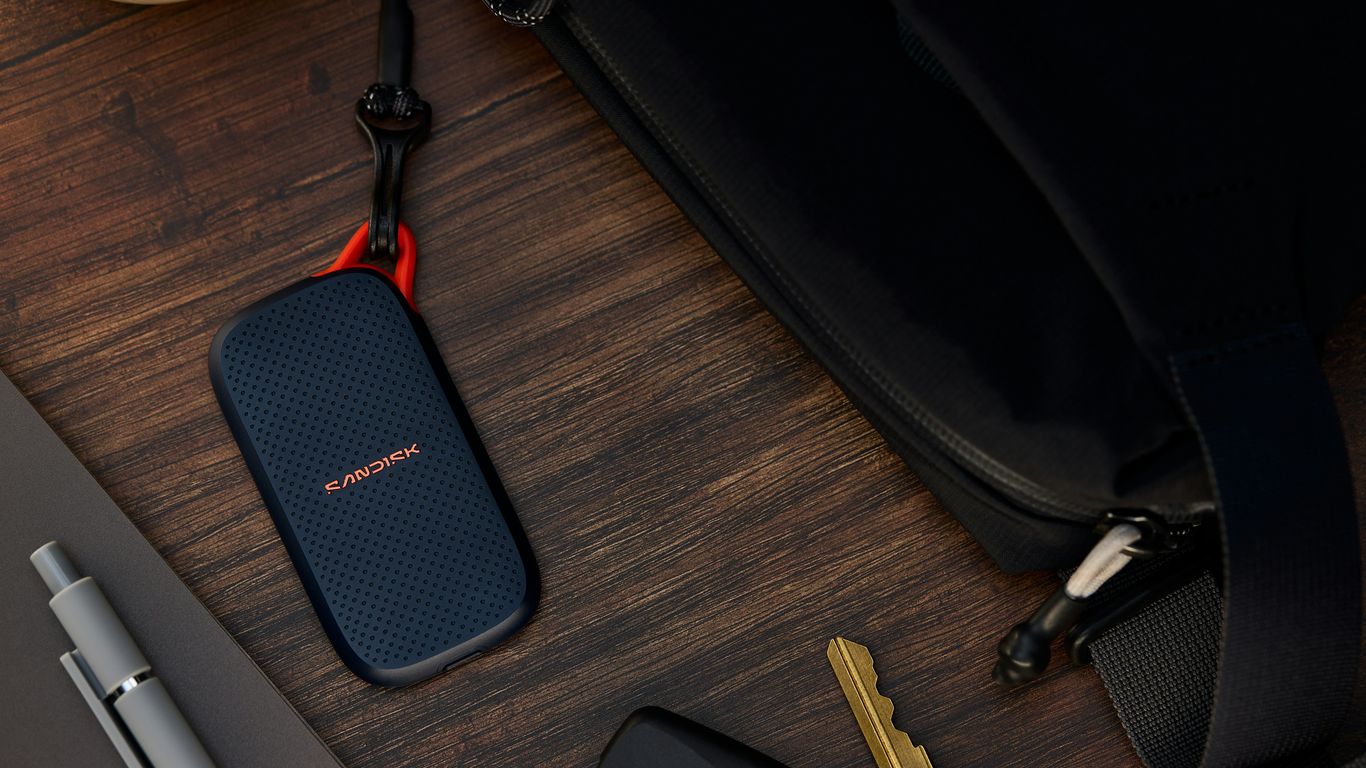
A camera being present doesn’t automatically mean you have a usable recording. Check the recording status and any alerts, then make sure your storage and USB connection meet the requirements in your Model Y manual. Not every port necessarily has the same purpose.
While parked, follow the manual to save a test clip. Open the viewer and play it. If the recording doesn’t work, check your current storage before buying anything new. A replacement drive isn’t a guaranteed fix, and you may already have what you need. If you decide to format a drive, save any files you want to keep first—formatting erases data.
Make changes one at a time
For all seven checks, use the same simple process: change one setting, confirm what happened, and then move on. If several things change at once, it’s harder to tell what caused a problem. You can also take a private photo of a setting before changing it so you have a reference.
That kind of clear, step-by-step check is useful beyond car setup. At Rank Ready SEO, we use the same practical approach: explain what’s changing, why it matters, and how to check the result. Get comfortable with the Model Y first, then consider an accessory only when you know what issue it would solve. Features and menus can vary, so use the manual for your specific vehicle and software.

Comments