
Tesla Apps That Help Improve Range and Efficiency
So, you've got a Tesla and you're wondering how to get the most out of it, especially when it comes to how far you can go on a charge. It's not just about the car itself; there's a whole world of apps, both from Tesla and from other companies, that can help you out. These tools can show you how you're using energy, help you plan your trips better, and even give you tips from other drivers. Basically, if you want to drive smarter and go further, there are Tesla apps for efficiency that can really make a difference.
Key Takeaways
Tesla's built-in Energy app is a great starting point for understanding your car's power usage.
Using the navigation system helps plan routes that consider charging stops and conserve battery.
Third-party apps can offer more detailed analysis of driving habits and charging patterns.
Monitoring real-time range and using smart route planning apps are key for longer trips.
Customizing your car's settings and using apps that fit your driving style helps maximize efficiency.
Leveraging Tesla Apps For Enhanced Efficiency
Getting the most out of your Tesla isn't just about the car itself; it's also about how you use the tools available to you. Tesla provides a suite of built-in applications and supports a growing ecosystem of third-party options that can really make a difference in how efficiently you drive and how far you can go on a single charge. These apps are your digital co-pilots for maximizing range and minimizing energy use.
Understanding Your Tesla's Energy Consumption
Before you can improve anything, you need to know where your energy is going. Tesla's native Energy app is your first stop for this. It breaks down your energy usage in real-time, showing you how much power is being used by the motors, climate control, and other systems. You can see how different driving speeds or accessory usage impacts your battery level. It's pretty eye-opening to see just how much that blast of heat or aggressive acceleration eats into your range. This app is your window into the car's energy habits, helping you spot patterns you might not have noticed otherwise. It's a great starting point for anyone looking to get a better handle on their EV's performance.
The Energy app provides a clear, visual representation of your vehicle's energy flow. Pay attention to the graphs and data presented; they offer direct feedback on your driving style and its effect on battery consumption.
Optimizing Driving Habits Through Data
Once you understand your consumption, the next step is to adjust your driving. The data from the Energy app, and other monitoring tools, can highlight areas for improvement. For instance, you might notice that maintaining a steady speed, even if slightly slower, uses significantly less energy than constant acceleration and braking. Smoothness is key. Apps can help you track this over time, showing you trends and progress.
Here are a few ways data can help:
Identify energy drains: Pinpoint which features or driving behaviors consume the most power.
Track efficiency over time: See if your changes are actually leading to better range.
Compare trips: Understand how different routes or driving conditions affect energy use.
Set personal goals: Challenge yourself to improve your average Wh/mile (Watt-hours per mile).
The goal is to drive smarter, not just harder. By looking at the numbers, you can make informed decisions about how you operate your vehicle day-to-day. You can find more detailed information on how to use these features effectively on Tesla's official resources.
Third-Party Apps for Deeper Insights
While Tesla's built-in apps are good, the third-party app market offers even more specialized tools. These can range from advanced data loggers to apps that integrate with your car's systems to provide more granular analysis. Some apps might offer detailed breakdowns of battery health, charging efficiency at different stations, or even predict range based on more complex environmental factors. Exploring these can give you a more complete picture and uncover new ways to fine-tune your driving and charging strategies. It's worth checking out what's available for your specific model and needs.
Maximizing Range With Smart App Integration
Real-Time Range Monitoring Tools
Keeping an eye on your Tesla's range is pretty important, especially on longer trips. There are apps out there that give you a much clearer picture than just the car's built-in display. These tools often pull more data, looking at things like your recent driving style, current weather conditions, and even upcoming elevation changes on your route. This kind of detailed information helps you make smarter decisions about when and where to charge. It's not just about seeing a number; it's about understanding what influences that number.
Some apps can even predict your range based on different driving scenarios. For example, you might see:
Aggressive Driving: Estimated range reduction of 10-15%
Highway Cruising (70 mph): Estimated range reduction of 8-12%
City Driving (Stop-and-Go): Estimated range reduction of 5-8%
Cold Weather (-5°C / 23°F): Estimated range reduction of an additional 5-10%
Intelligent Route Planning Apps
When you're planning a road trip, the right app can make a huge difference in how efficiently you get to your destination. Instead of just finding the shortest path, these apps focus on the most energy-efficient route. They consider factors like:
Topography: Avoiding steep hills where possible.
Speed Limits: Suggesting routes with more consistent, moderate speeds.
Traffic Patterns: Minimizing time spent idling or in slow-moving traffic.
Charging Stops: Integrating Supercharger locations or other compatible chargers directly into the route, often suggesting optimal times to stop based on your current battery level and predicted consumption.
These apps can be a lifesaver, especially if you're new to electric vehicle travel. They take a lot of the guesswork out of long-distance driving.
Planning your route with efficiency in mind from the start is one of the easiest ways to avoid range anxiety. It's about working with your car's capabilities, not against them.
Charging Station Locators and Planners
Finding a charging station is one thing, but finding the right one at the right time is another. Apps that specialize in charging station location go beyond just showing you a map. They often provide:
Real-time Availability: Showing which chargers are currently in use or out of order.
Charging Speed Information: Letting you know if a station offers Level 2 or DC fast charging.
User Reviews and Ratings: Giving you insights from other Tesla owners about their experiences at specific locations.
Cost Estimates: Some apps can even give you an idea of how much a charging session might cost.
By using these tools, you can avoid arriving at a busy or unreliable charging station, saving you time and frustration. It helps ensure your journey continues smoothly without unexpected delays.
Utilizing In-Car Tesla Apps For Efficiency
Your Tesla is packed with built-in tools that can help you drive smarter and save energy. It's not just about getting from point A to point B; it's about doing it efficiently. These in-car apps are your first line of defense against unnecessary energy use.
The Power of Tesla's Native Energy App
This app is your go-to for understanding exactly where your energy is going. It breaks down consumption by driving, climate control, and even accessory use. You can see real-time usage and historical data, which is super helpful for spotting trends. For instance, you might notice a spike in energy use on colder days due to heating, or perhaps when you're using a lot of entertainment features. It's all about making that energy usage visible so you can make informed decisions.
Using Navigation to Conserve Battery
Tesla's navigation system is more than just a map. When you input a destination, it automatically calculates the most efficient route, considering elevation changes and speed limits. It also factors in charging stops if needed, pre-conditioning the battery for optimal charging speed when you get to a Supercharger. This intelligent planning means less guesswork for you and a smoother, more energy-conscious trip. It's like having a co-pilot focused solely on your car's efficiency.
Climate Control Settings for Range Preservation
Keeping comfortable in your Tesla doesn't have to drain your battery. The climate control system has several features to help. You can pre-condition the cabin while plugged in, so it uses grid power instead of your battery. Features like 'Cabin Overheat Protection' can be set to use minimal energy. Also, adjusting the temperature by just a degree or two can make a noticeable difference in range, especially on longer drives. Think about using seat heaters and steering wheel heaters, which are often more efficient than heating the entire cabin air.
Exploring Third-Party Tesla Apps For Efficiency
While Tesla's built-in apps are pretty good, there's a whole world of third-party apps out there that can really help you squeeze more miles out of your battery and keep things running smoothly. These apps often go a bit deeper, giving you more control or a different perspective on your car's performance and charging.
Apps for Advanced Charging Management
Managing your charging can be a bit of a puzzle, especially if you're not always at home. Some third-party apps can help you find charging stations, check their availability in real-time, and even manage your charging schedule to take advantage of off-peak electricity rates. This can save you money and make sure you're always topped up when you need to be.
Smart Scheduling: Set charging times to coincide with lower electricity costs.
Station Availability: Get live updates on whether chargers are in use or not.
Payment Integration: Some apps can link directly to charging networks for easier payment.
Tools for Monitoring and Analyzing Driving Patterns
Want to really understand how your driving affects your range? There are apps that can track your trips, speed, acceleration, and even your use of climate control. They then break down this data to show you exactly where you're using the most energy. This kind of detailed feedback is gold for figuring out how to drive more efficiently.
Here's a quick look at what you might track:
Driving Metric | Impact on Range |
|---|---|
Aggressive Acceleration | High Decrease |
High Speed | Moderate Decrease |
Frequent Braking | Moderate Decrease |
Efficient Climate Use | Slight Increase |
Community-Driven Efficiency Tips and Apps
Sometimes, the best advice comes from other Tesla owners. There are apps and online communities where people share their own tips and tricks for maximizing range. You might find out about specific routes that are more energy-friendly, or learn about little-known features that can help. It's like having a whole team of experienced drivers helping you out.
Don't underestimate the power of shared knowledge. What works for one driver might inspire a new approach for another, leading to collective improvements in efficiency across the board.
Personalizing Your Tesla Experience For Efficiency
Customizing Dashboards for Energy Awareness
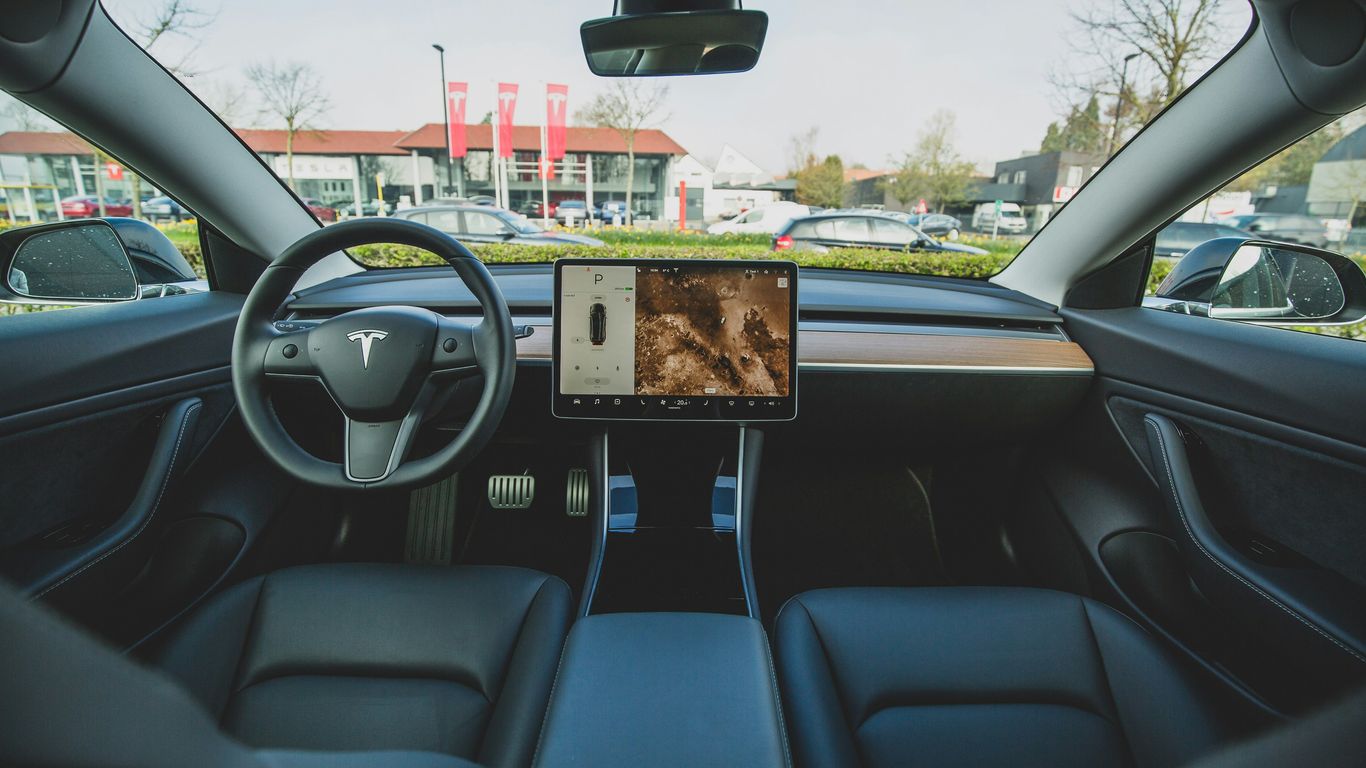
Your Tesla's dashboard is your command center, and tailoring it can make a big difference in how you manage energy. Think about what information is most important to you at a glance. Do you want to see your current energy consumption rate, projected range, or perhaps the impact of climate control on your battery? Many owners find that adding widgets for battery level and range directly to the home screen provides immediate feedback. This constant visibility helps build a better feel for how your driving and settings affect your car's energy use. It's about making the data work for you, not the other way around.
Integrating Apps for a Seamless Workflow
Beyond the native Tesla apps, there's a whole ecosystem of third-party tools that can connect with your car. Some apps can provide more detailed breakdowns of your energy usage over time, helping you spot patterns you might otherwise miss. Others might integrate with your charging schedule or even offer smart route planning that considers charging stops more dynamically. The goal here is to create a connected experience where information flows smoothly between your car, your phone, and any other tools you use. For instance, having your charging history summarized annually can be quite eye-opening, as seen with features like the Charging Passport.
Finding the Right Tesla Apps for Your Driving Style
Not all apps are created equal, and what works for one driver might not be ideal for another. Consider your typical driving habits. Are you a city commuter, a long-distance traveler, or someone who enjoys spirited driving? Apps that offer real-time range monitoring might be great for highway drivers, while those focusing on detailed energy consumption analysis could appeal to data-minded individuals. Some apps even tap into community data to provide efficiency tips. Ultimately, the best setup is one that feels intuitive and genuinely helps you drive more efficiently without adding complexity. New home screen widgets, for example, can put key info like battery level and range right where you need it, making it easier to stay informed at-a-glance.
Making your Tesla work for you means understanding its energy use and adapting your habits. It's not just about the car; it's about how you interact with it. Small adjustments, informed by the right data, can lead to significant improvements in range and efficiency over time.
Want to make your Tesla even better? You can tweak settings to save energy and make your drives smoother. Think about adding cool gadgets that help your car run its best. Visit our website to find out how to make your Tesla truly yours and super efficient!
Wrapping It Up
So, there you have it. Using the right apps can really make a difference in how far your Tesla goes on a charge and how efficiently it uses that energy. It’s not about magic, but smart tools that help you keep an eye on things and make better choices while you're driving. Whether you're a new owner or have had your Tesla for a while, checking out these apps is a good idea. They can help you get more out of your electric car, making your drives smoother and maybe even saving you a bit of time and worry about finding chargers. Give them a try and see how they fit into your daily routine.
Frequently Asked Questions
How can Tesla's built-in apps help me drive more efficiently?
Tesla's own apps are super helpful! The Energy app shows you exactly how much power your car is using, like for driving, climate control, or accessories. This helps you see where you can save energy. The Navigation app is also smart; it plans routes that consider charging stops and can even suggest slower, more energy-saving routes if you're low on battery.
Are there apps outside of Tesla's system that can improve my car's range?
Yes, totally! Many third-party apps can give you even more control. Some focus on detailed charging management, helping you find the best times and places to charge. Others offer deeper dives into your driving patterns, showing you specific ways to adjust your driving to use less battery. You can even find apps that share tips from other Tesla owners to help everyone drive further.
What's the best way to use the navigation system to save battery?
When you enter a destination, Tesla's navigation system automatically calculates the energy needed and plans Supercharger stops if necessary. To save more battery, try to avoid rapid acceleration and hard braking. The system also helps by preconditioning the battery for charging when you're heading to a Supercharger, making charging faster and more efficient.
How does adjusting climate control affect my Tesla's range?
Your car's heating and cooling system uses energy from the battery, which can reduce your driving range, especially in very cold or hot weather. Using features like seat heaters or steering wheel heaters can be more energy-efficient than heating the entire cabin. You can also schedule your climate control to warm up or cool down the car while it's plugged in, using wall power instead of battery power.
Can I see real-time information about my car's energy use on my phone?
Absolutely! Many apps, including Tesla's own mobile app, let you monitor your car's battery level and estimated range from your phone. Some advanced third-party apps can provide even more detailed, real-time data about energy consumption, helping you make informed decisions about your driving and charging habits on the go.
What are some simple driving habits that help improve efficiency?
Keeping your speed steady and avoiding sudden acceleration or braking are key. Driving slower, especially on highways, uses significantly less energy. Also, try to minimize using energy-hungry features like aggressive climate control when not necessary. Smooth driving makes a big difference in how far you can go on a single charge.



Comments