
A Guide to Getting the Most Out of the Tesla App
- Sep 29, 2025
- 4 min read
Owning a Tesla is not just about driving an electric car; it’s about embracing a new way of interacting with your vehicle. The Tesla app is a powerful tool that enhances your ownership experience by putting control and information right at your fingertips. Whether you want to check your car’s status, control climate settings, or plan your next trip, the Tesla app makes it easy and convenient. This guide will walk you through how to get the most out of the Tesla app and unlock its full potential.
Exploring the Tesla App: Your Car’s Command Center
The Tesla app is designed to be your car’s remote control and information hub. From the moment you open the app, you can access a wide range of functions that help you manage your Tesla efficiently. The interface is user-friendly, with clear icons and real-time updates that keep you connected to your vehicle no matter where you are.
Some of the key features include:
Remote Climate Control: Preheat or cool your car before you get in.
Charging Management: Start, stop, and monitor charging sessions.
Vehicle Location: Track your car’s location on a map.
Security Alerts: Receive notifications if your car’s alarm is triggered.
Software Updates: Get notified about and install over-the-air updates.
By mastering these features, you can save time, improve comfort, and enhance your Tesla ownership experience.

How to Use the Tesla App for Daily Convenience
Using the Tesla app daily can transform how you interact with your car. Here are some practical tips to make the most of it:
Precondition Your Car
Use the app to warm up or cool down your Tesla before you leave. This is especially useful in extreme weather conditions. Simply tap the climate control icon and set your preferred temperature.
Monitor Charging Progress
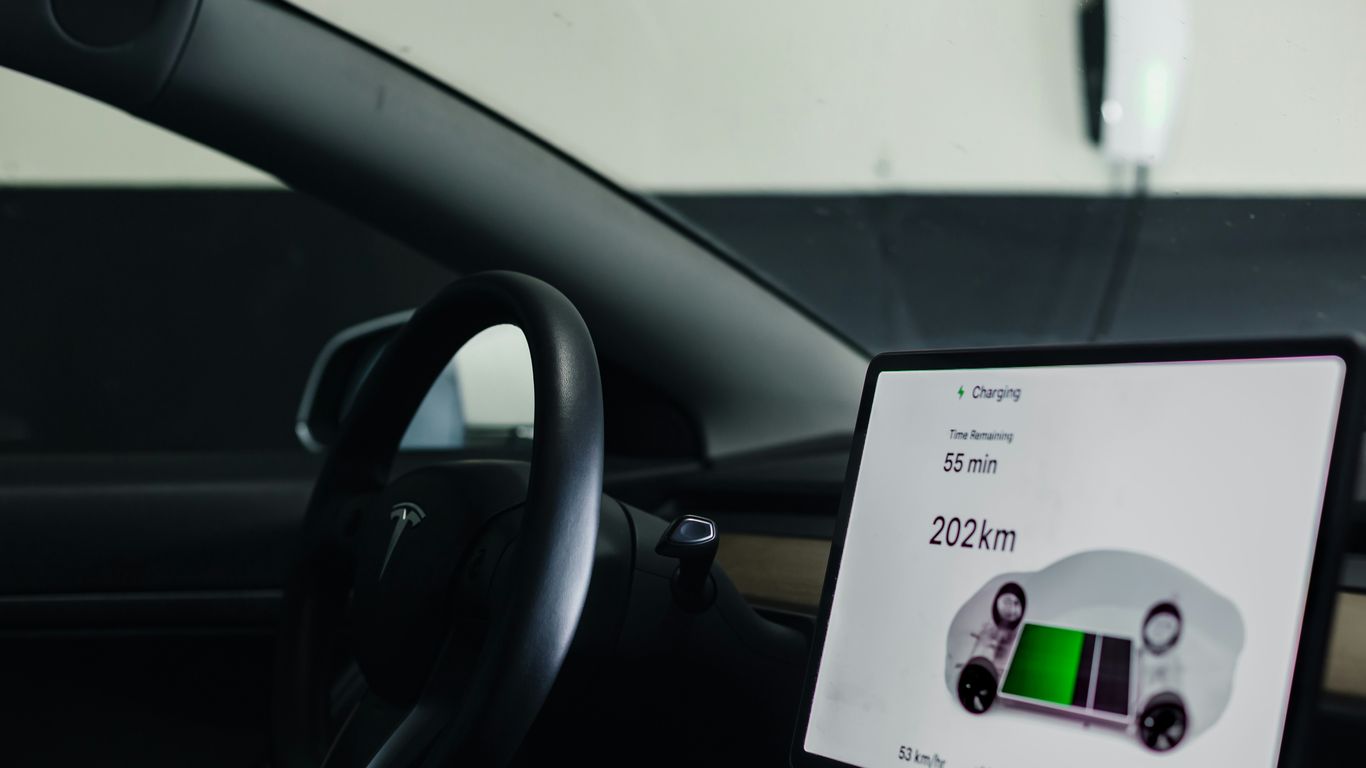
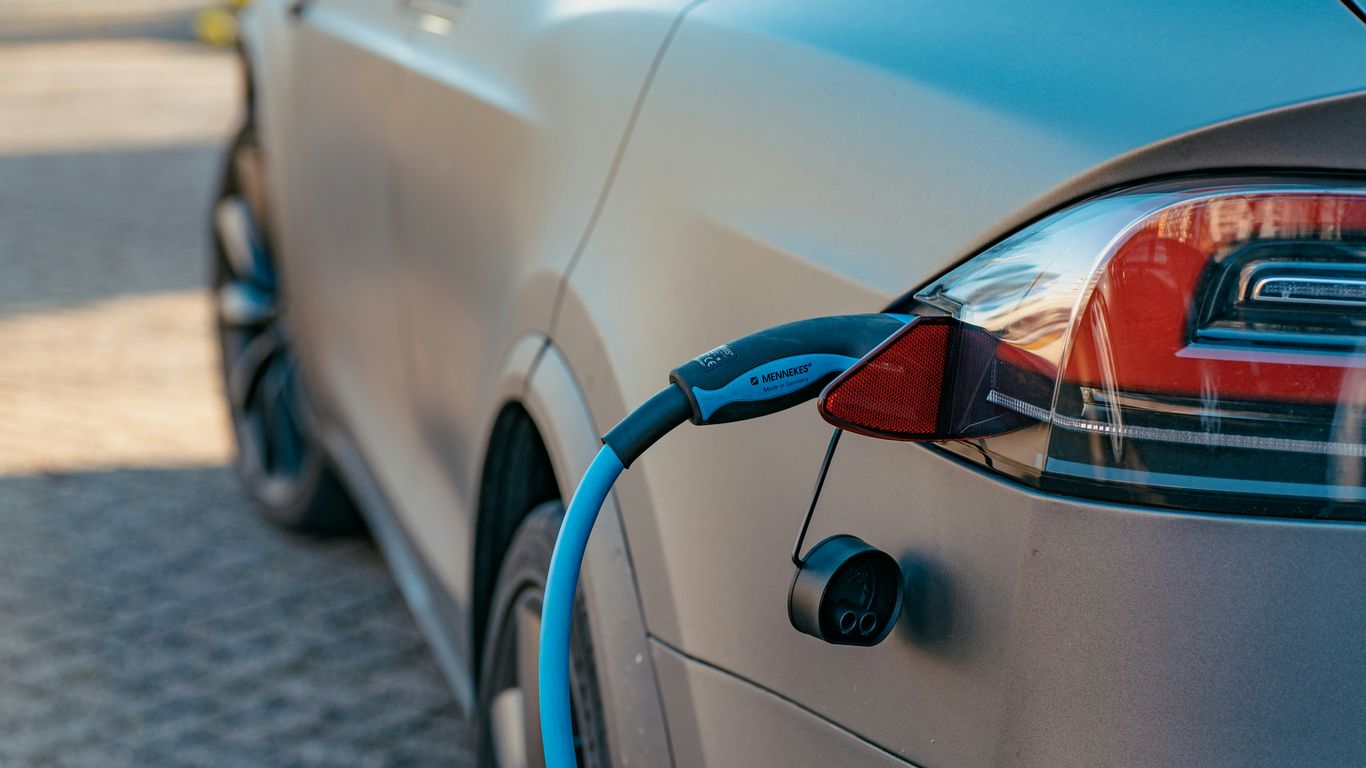
If you charge your Tesla at home or at a public station, the app lets you see the current battery level and estimated time to full charge. You can also schedule charging to take advantage of off-peak electricity rates.
Lock and Unlock Remotely
Forgot to lock your car? No problem. The app allows you to lock or unlock your Tesla from anywhere, giving you peace of mind.
Locate Your Vehicle
Whether you parked in a crowded lot or want to check if your car is where you left it, the app’s GPS tracking feature helps you find your Tesla quickly.
Control Media and Navigation
You can send destinations to your car’s navigation system or control media playback remotely, making your drive smoother and more enjoyable.
By integrating these daily uses into your routine, you’ll find the Tesla app indispensable.

What can you see from the Tesla app?
The Tesla app provides a comprehensive overview of your vehicle’s status and environment. Here’s what you can see at a glance:
Battery Level and Range
The app shows your current battery percentage and estimated driving range, helping you plan trips without range anxiety.
Charging Status
You can view whether your car is charging, the current charging speed, and the time remaining until full charge.
Climate Settings
See the interior temperature and whether the climate control is active.
Vehicle Status
Check if doors, windows, or the trunk are open or closed.
Location and Movement
View your Tesla’s location on a map and track its movement if it’s in motion.
Software Version
Know which software version your car is running and if updates are available.
This real-time information helps you stay informed and in control, no matter where you are.

Tips for Maximizing Tesla App Security and Privacy
Security is a top priority when using any connected app, and the Tesla app is no exception. Here are some tips to keep your data and vehicle safe:
Enable Two-Factor Authentication (2FA)
Add an extra layer of security to your Tesla account by enabling 2FA. This requires a verification code in addition to your password.
Use Strong Passwords
Choose a unique, complex password for your Tesla account and change it regularly.
Monitor Account Activity
Regularly check your Tesla account for any unauthorized access or unusual activity.
Keep Your Phone Secure
Since the app controls your car, ensure your phone is protected with a passcode or biometric lock.
Log Out from Shared Devices
If you use the app on multiple devices, make sure to log out from any that are not yours.
By following these recommendations, you can enjoy the convenience of the Tesla app without compromising your security.
Enhancing Your Tesla Experience with Additional Accessories
To complement the Tesla app and your vehicle, consider exploring accessories that improve comfort, convenience, and style. For example, custom floor mats, screen protectors, and charging station upgrades can make a big difference.
One great resource to find quality accessories is this collection of tesla app features. These products are designed specifically for Tesla models and can help you personalize your car while enhancing its functionality.
Using the app alongside these accessories creates a seamless and enjoyable Tesla ownership experience.
By understanding and utilizing the Tesla app’s capabilities, you can unlock a new level of convenience and control over your vehicle. From remote climate control to real-time vehicle monitoring, the app is an essential companion for every Tesla owner. Take advantage of its features today and transform how you interact with your car.

Comments